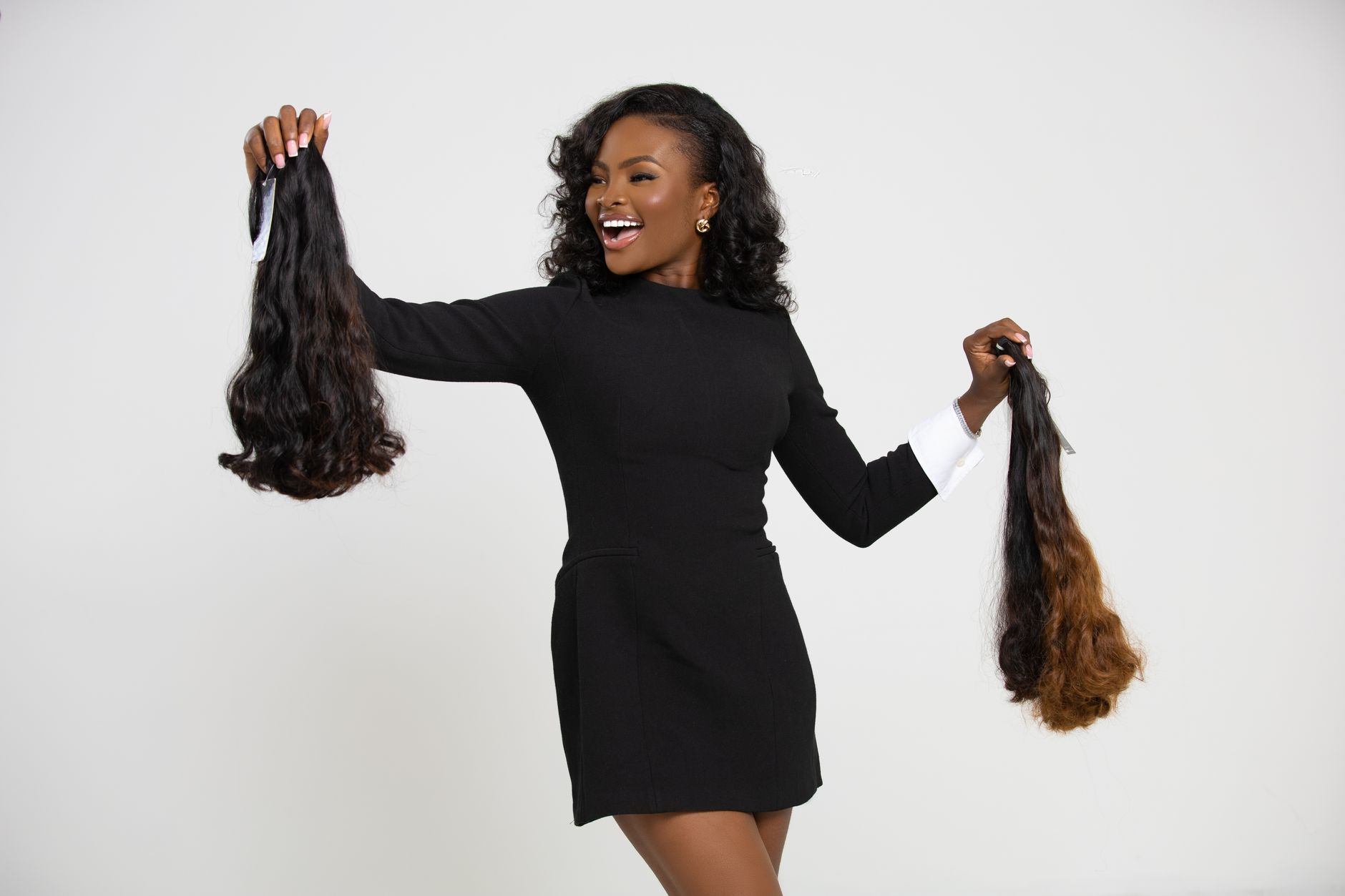
Most Instagram Reels advice for hair stylists treats the platform like a lottery: post enough, go viral, fill your books. The stylists who actually fill their books using Instagram Reels in 30 days are doing something different. They are running a repeatable content system, not a content gamble. Here is the checklist they are working from.
Why This Checklist Exists: What Goes Wrong Without a System
Stylists who approach Instagram Reels without a documented system typically hit the same wall at week 3: posting frequency drops because content creation takes too long, engagement stalls because posts are inconsistent in format, and no clear path connects a Reel view to a booked appointment. The result is hours spent on content that produces no measurable business outcome. The checklist below eliminates each of those failure points in sequence.
Before You Post Anything: Setup Checklist
Must have:
- A booking link in your bio that goes directly to your scheduling page — not your homepage, not a Linktree with 12 options. One link, one destination. Every click that requires a second click loses a share of potential bookings.
- A saved Reel template in CapCut or your editing app of choice. The template should have your color scheme, your standard font, and a pre-set aspect ratio of 9:16 at 1080x1920. Rebuilding from scratch for every Reel is where content systems die.
- A folder on your phone with 20 to 30 before-and-after shots ready to edit. Before-and-afters are the highest-performing content category for extension specialists on Instagram Reels, and they require no scripting or face time. If you do not have a content backlog, your first week of the 30-day system is building that backlog.
Nice to have:
- A dedicated hashtag set (8 to 12 hashtags) saved in your notes app for copy-paste. Research shows hashtags still matter for Reels discovery in the hair niche, particularly local hashtags that include your city name.
- Ring light or window light setup in your salon for filming clips. Natural light from a north-facing window is free and produces better results than most ring lights under $100.
Week 1: The Content Foundation Checklist
Must have:
- Post 5 before-and-after Reels using existing client photos. Set each to trending audio. Caption format: problem first ("Fine hair with zero volume"), method ("Euro genius weft, 3 rows at the nape and crown"), result ("Now books at $950 per install"). Do not start with "I'm so excited to share..."
- Include your location in the caption of every post: city, neighborhood, or both. Instagram's local search surfaces Reels to users searching for stylists in their area. Not including your location is leaving local discovery on the table.
- Reply to every comment within 4 hours of posting. Reels that receive rapid engagement in the first hour reach more accounts. Your own comment responses count as engagement signals.
Nice to have:
- Add a text hook in the first 3 seconds of each Reel. "This client came in with tape-ins she'd had in for 9 weeks" stops the scroll in a way that a logo intro does not.
Week 2: The Inquiry Conversion Checklist
If week 1 ran correctly, you have incoming DMs asking about pricing and availability by the start of week 2. Most stylists lose bookings here because they answer DMs manually and inconsistently. Here is the process that converts DMs into booked appointments:
Must have:
- Set up an Instagram automated DM response for any message containing "price," "pricing," "how much," or "available." The response should include your starting rate and your booking link. If you are using a CRM system like Hair Pro 360 — which starts at $47/month and includes pre-built automations for extension specialists — this is a 15-minute setup, not a daily manual task.
- Follow up with every unanswered DM inquiry at the 48-hour mark. Send one follow-up, one time. "Still have this Tuesday open if you want to get on the books." No more than one follow-up — multiple follow-ups convert poorly and damage your brand perception.
- Track your inquiry-to-booking conversion rate weekly. If you are generating 20 DM inquiries and booking 3 appointments, you have a follow-up or pricing communication problem. If you are generating 5 DM inquiries and booking 4, you have a reach problem. The numbers tell you where to fix the system.
Week 3: The Reach Expansion Checklist
Must have:
- Post one educational Reel per week in addition to your before-and-afters. Educational content earns saves, which is Instagram's strongest content quality signal. "Three questions to ask before booking your first extension install" earns saves from people researching extensions who are not yet ready to book — and saves drive Reel distribution to new accounts.
- Use the Reels remix feature on one existing high-performing post. Remixing your own successful content extends its reach without additional production time.
- Collaborate with one local business owner (not a competitor) for a tag-trade. A local boutique, a wedding venue, or a lash studio with a similar client demographic and a healthy following can send their audience to your page in exchange for a mention or tag on a shared post.
Week 4: The Booking Surge Checklist
Must have:
- Post a "last spots this month" Reel in week 4. Scarcity framing is not manipulation — it is accurate. If you have three open appointment slots for the rest of the month and you say so, you are giving clients who have been watching your content a reason to act today instead of next month.
- Add a consultation CTA to your bio link if you are not yet comfortable selling at your full install rate through Instagram. A free 15-minute consultation booked through your scheduling link gets clients into your system and your chair without requiring them to commit to a full service price from a cold Reel.
- Capture before-and-after content from every install in week 4. You are building the next 30-day content cycle simultaneously.
How to Know the 30 Days Worked
At the end of the month, calculate: new clients booked from Instagram inquiries, divided by total DM inquiries received. A functioning Instagram Reels system for extension specialists produces at least 4 to 6 new bookings per month from content alone in most markets — without paid advertising. Stylists in high-competition markets (New York, Los Angeles, Dallas) often need 60 to 90 days of consistent posting before the algorithm begins reliably surfacing their content to new local audiences. Consistency over 30 days is the floor, not the ceiling.
Frequently Asked Questions
How many Reels per week do I need to post for Instagram marketing for hair extensions?
Three to five Reels per week is the effective range for extension specialists. Below three, the algorithm does not have enough signal to distribute your content to new accounts. Above five, content quality typically drops because production time outpaces available content. Three high-quality before-and-afters per week outperforms five rushed videos every time.
Do I need to show my face in Reels to get hair extension clients on Instagram?
No. Before-and-after transformations filmed from behind or at the chair are consistently the highest-performing Reels format for extension stylists. Face content builds parasocial connection but is not required for booking inquiries. Start with what you have — client transformation footage — and add face content when your system is running.
What is the best Instagram hair stylist strategy for local bookings?
Include your city in every caption. Use local hashtags alongside method hashtags. Target the 10-mile radius around your salon by responding to location-tagged content from nearby accounts. Instagram's local intent signal rewards creators who are clearly operating in a specific market.